
The Witcher 3: Wild Hunt

- Platform
- PC (Windows)
- Release Date
- File Size
- 53.3 GB
- Downloads
- 0
- Views
- 2,489
- Added by
- Added by Admin
Play modes & compatibility
Play modes
- Single-player
Compatibility
- Controller support
- Steam Deck
Version Status
- Current Version
- V 4.04
- Current Build
- 14504303
- Latest Build
- 14504303
- Last Steam Update
Game version is up to date
Game trailer: The Witcher 3: Wild Hunt
Description
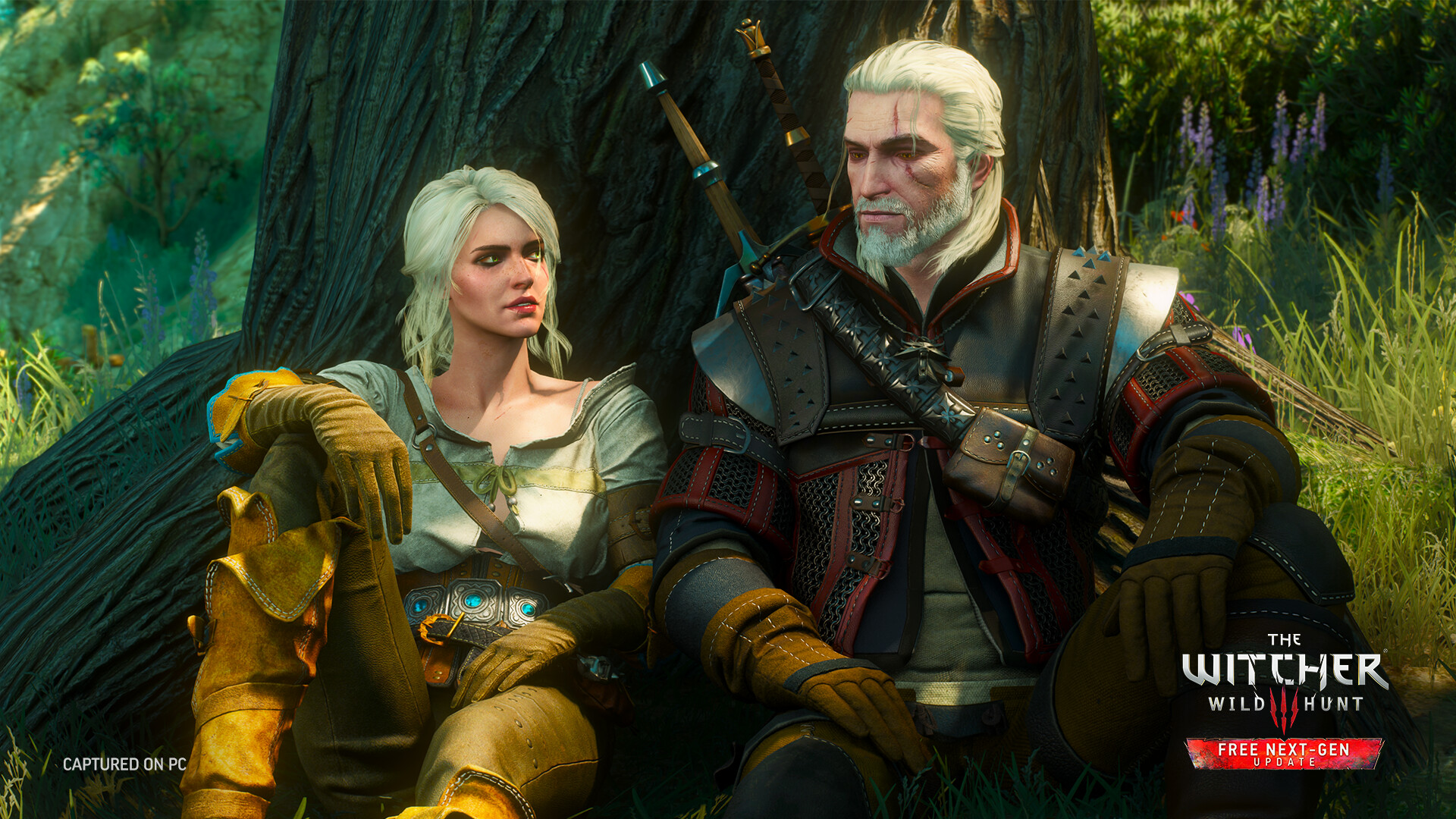
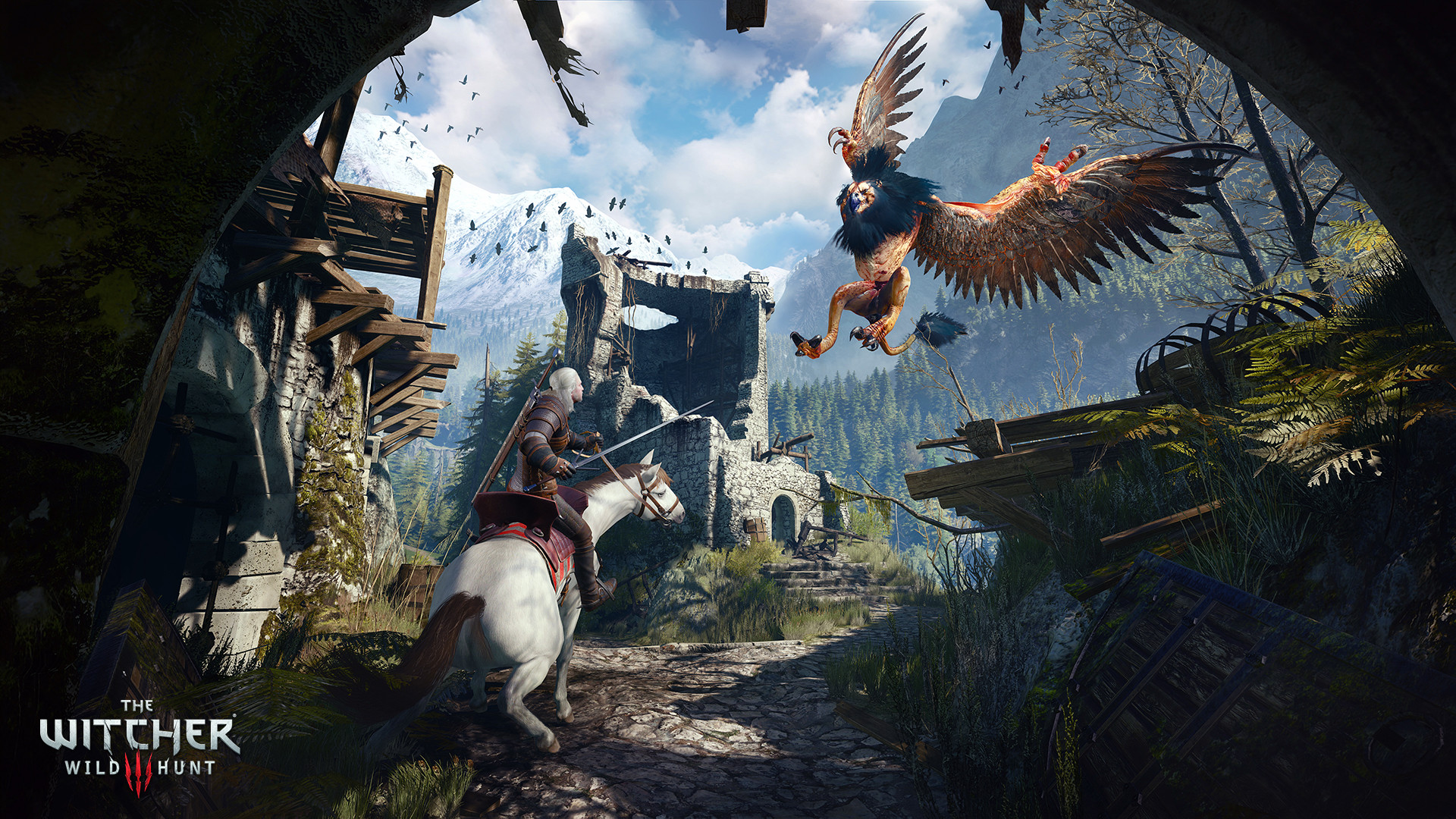
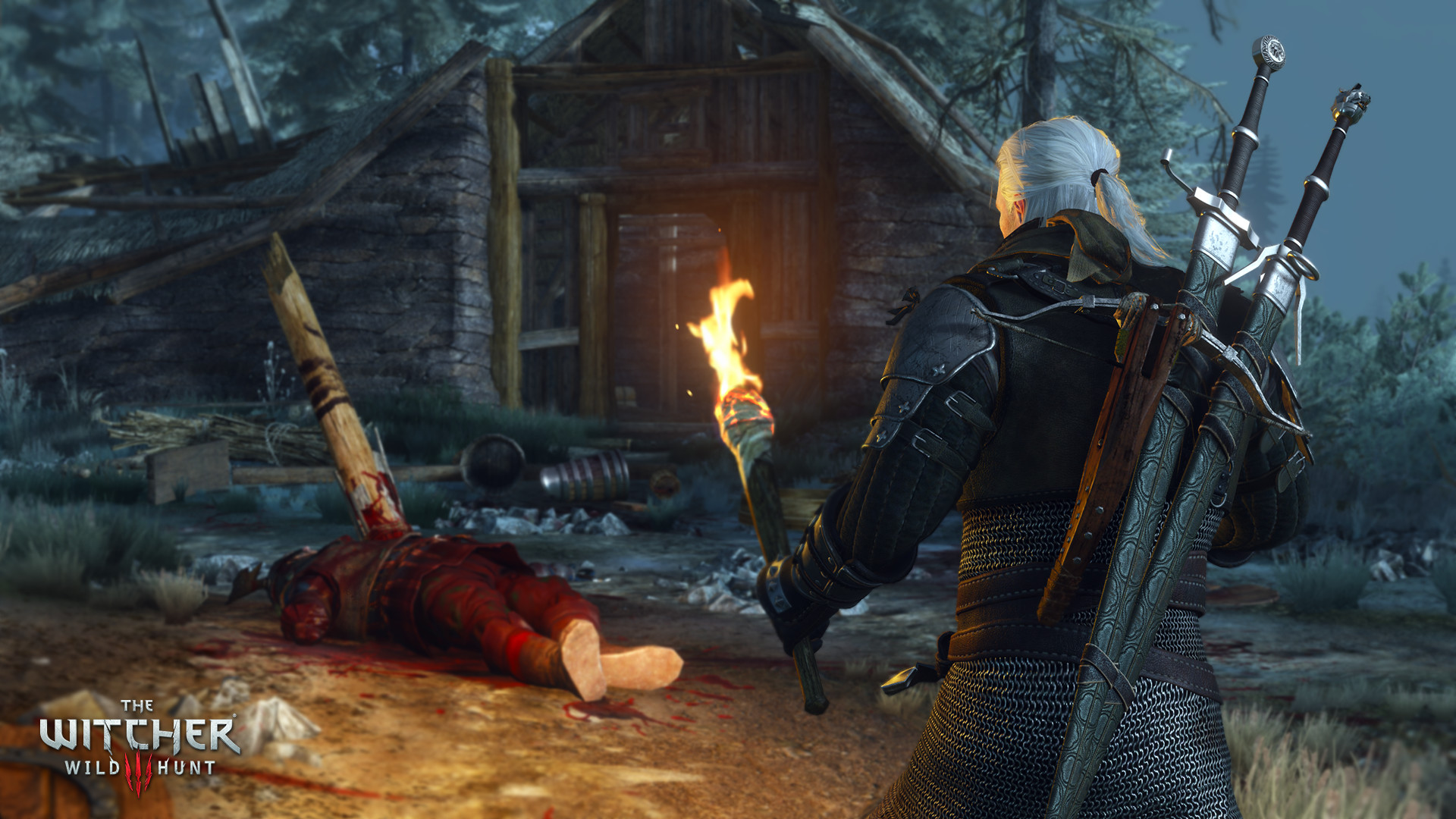
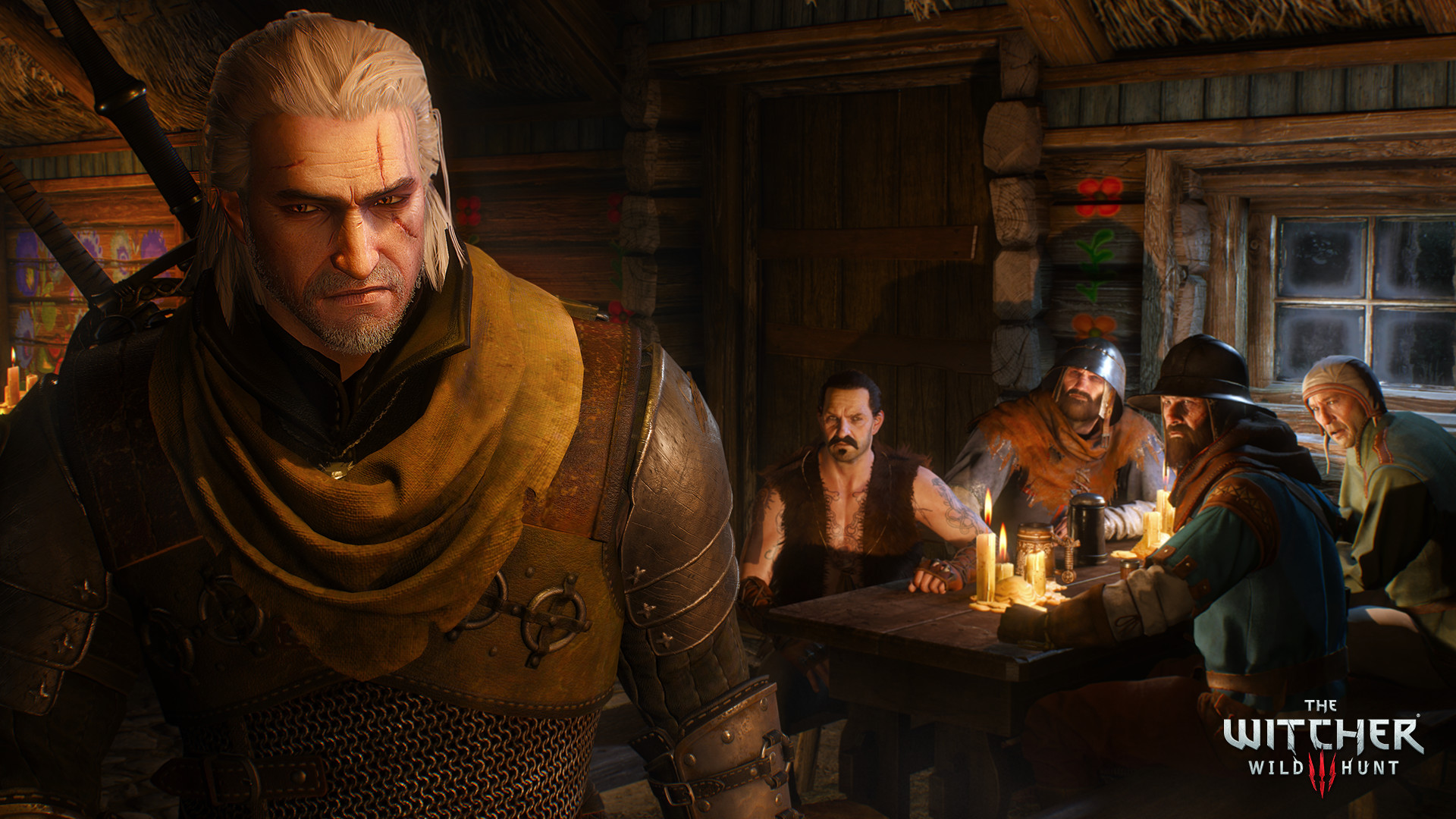
The Witcher 3: Wild Hunt is a story-driven open-world role-playing game from CD PROJEKT RED. You play as Geralt of Rivia, a professional monster slayer searching for Ciri, the Child of Prophecy, while war and supernatural threats consume the Northern Kingdoms.
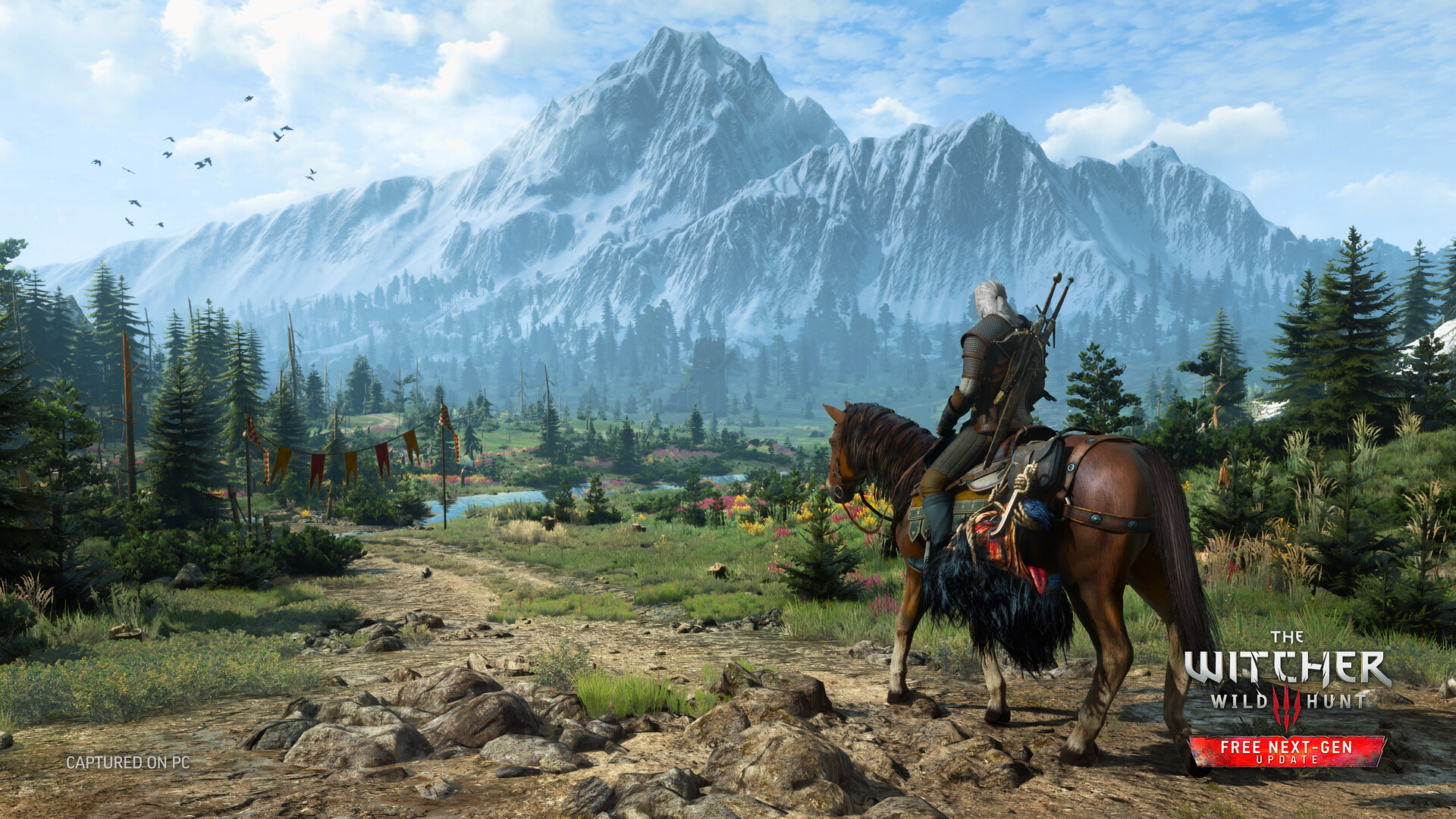
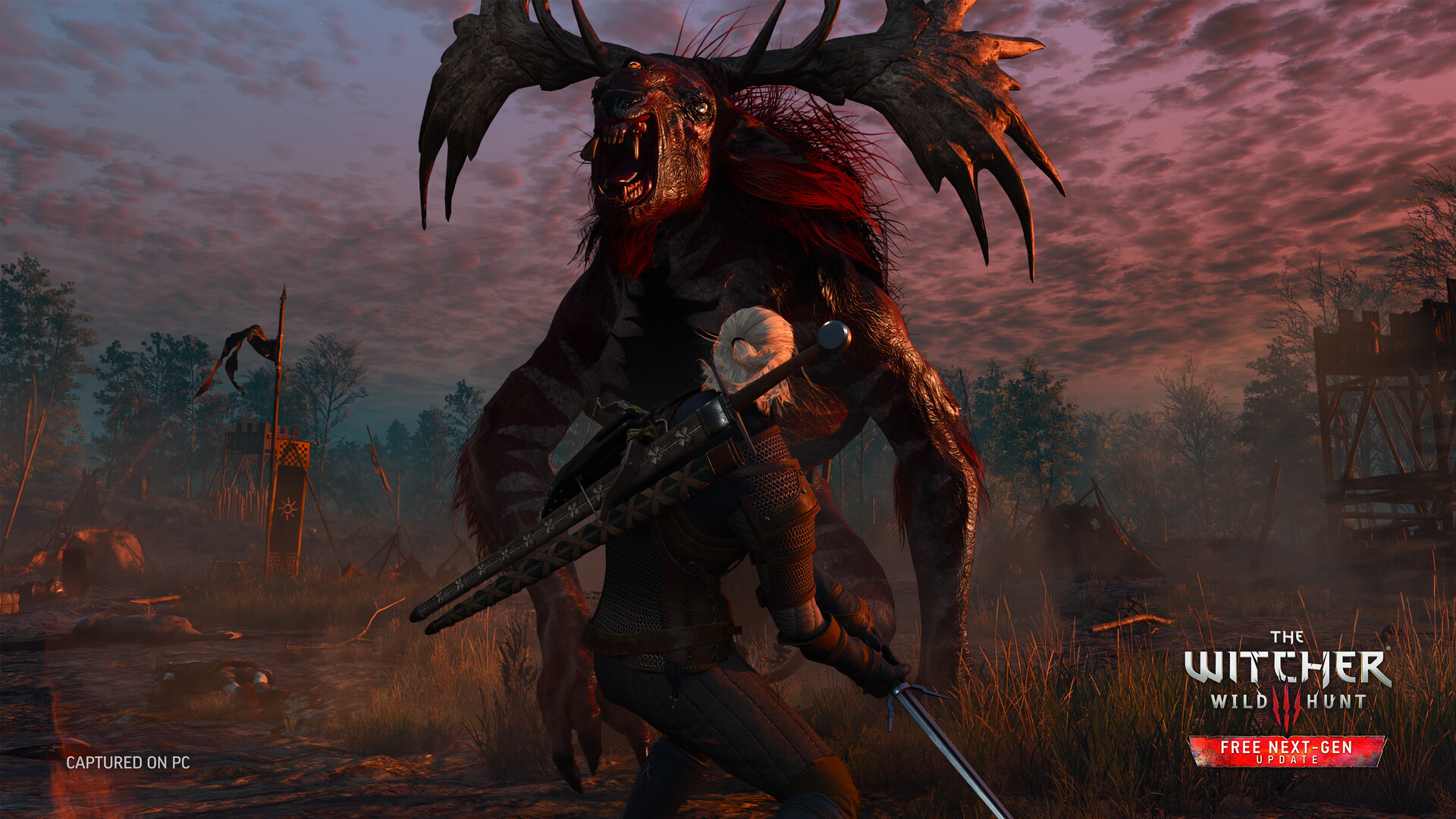
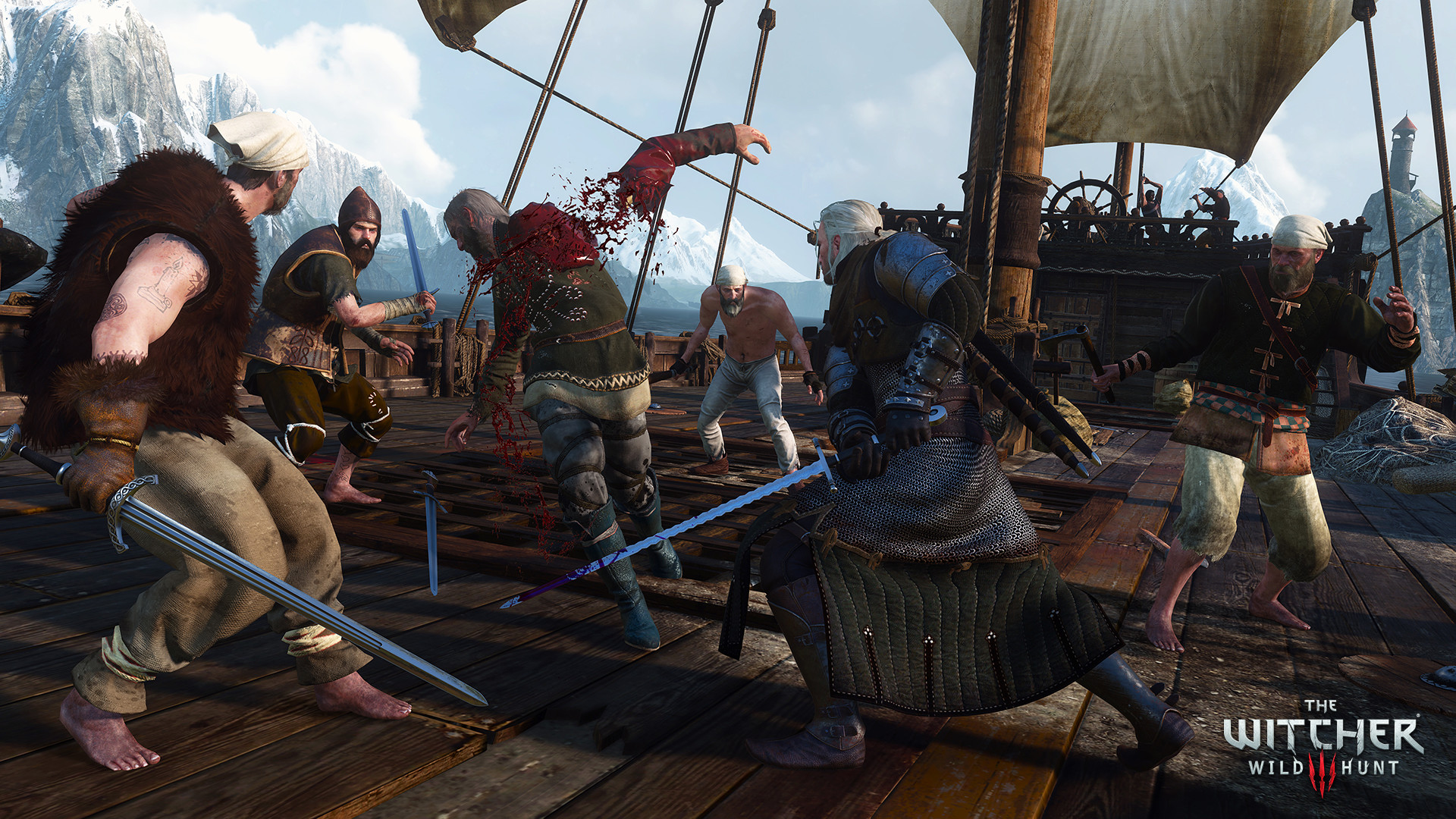
Explore the war-torn lands of Velen, the bustling city of Novigrad, the Skellige Isles, and other richly detailed regions. Every contract, investigation, and conversation can lead to meaningful consequences, while Geralt's swords, Signs, alchemy, and character development provide flexible approaches to combat.
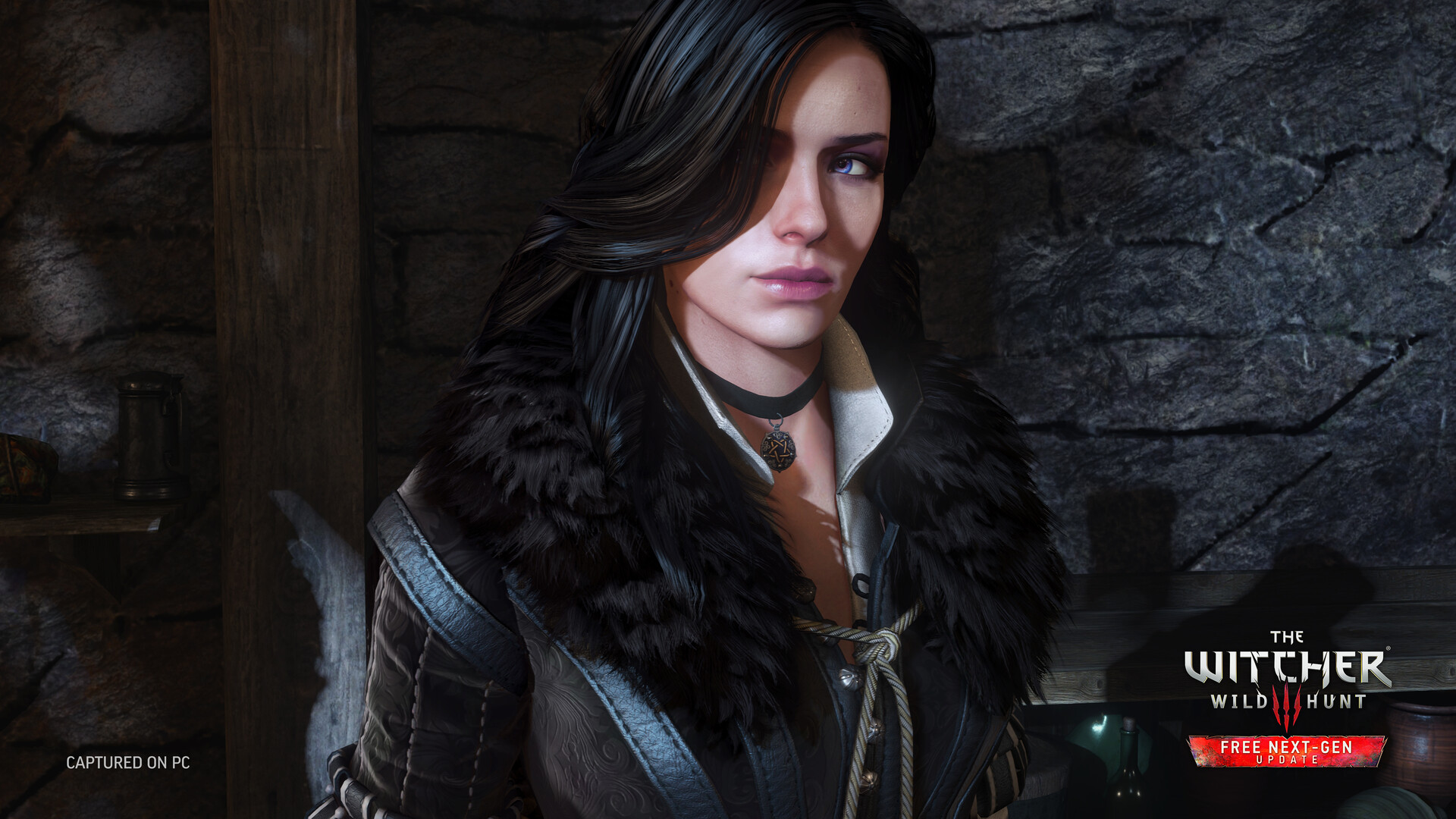
The current PC edition includes the next-generation update with improved visuals and performance, ray-traced effects on supported hardware, Photo Mode, community-inspired improvements, and additional equipment based on The Witcher Netflix series.
This is a single-player experience with partial controller support and Steam Deck compatibility. The game can be played offline after installation.
Key Features
- A vast story-driven open world shaped by player choices
- Monster contracts with investigation, preparation, and tactical combat
- Flexible progression using swords, Signs, alchemy, and equipment
- Next-generation visuals, ray tracing support, and Photo Mode
- Main quests, side stories, exploration, and Gwent
- Partial controller support and Steam Deck compatibility
System Requirements
Minimum
- OS:
- 64-bit Windows 7 / 8 / 8.1
- Processor:
- Intel Core i5-2500K 3.3 GHz / AMD A10-5800K 3.8 GHz
- RAM:
- 6 GB RAM
- Graphics:
- NVIDIA GeForce GTX 660 / AMD Radeon HD 7870
- Storage:
- 50 GB available space
- DirectX:
- Version 11
- Sound Card:
- DirectX compatible
Recommended
- OS:
- 64-bit Windows 10 / 11
- Processor:
- Intel Core i5-7400 / AMD Ryzen 5 1600
- RAM:
- 8 GB RAM
- Graphics:
- NVIDIA GeForce GTX 1070 / AMD Radeon RX 480
- Storage:
- 50 GB available space (SSD recommended)
- DirectX:
- Version 12
- Sound Card:
- DirectX compatible
Installation Guide
Step-by-step setup process for RUNE (ISO)
-
Mount the
.isoimage. On Windows 10/11 just double-click it — the system mounts it as a virtual DVD automatically. On older systems use WinCDEmu or Daemon Tools Lite. -
Install the game. Run
setup.exefrom the mounted disc and follow the wizard. Choose a short, Latin-only install path (for exampleC:\Games\GameName) and let the installation finish without interrupting it. -
Copy the RUNE files. Move everything inside the
RUNEfolder on the mounted disc into the game install directory (the folder that holds the game.exe) and confirm the file replacement when Windows asks. This is the step that makes the game actually run — skipping it is the most common mistake. -
Launch and play. Start the game from the desktop shortcut, ideally via right-click, then Run as administrator. After a successful start you can eject the virtual disc — the game no longer needs it.
Game Info
- Developer
- CD Projekt RED
- Publisher
- CD Projekt
- Platform
- PC (Windows)
- Release Date
- File Size
- 53.3 GB
- Status
- Pre-installed (Portable)
Download Game
Reviews


Similar Games
 V 2.31
85.3 GB
PC (Windows)
V 2.31
85.3 GB
PC (Windows)
Cyberpunk 2077
An open-world, action-adventure RPG set in the megalopolis of Night City. You play as V, a mercenary outlaw wrapped up in a do-or-die fight for survival. Explore the massive city, take on contracts, and upgrade your cyberware.
 V 1.16.2
64.9 GB
PC (Windows)
V 1.16.2
64.9 GB
PC (Windows)
Elden Ring
Rise, Tarnished, and be guided by grace to brandish the power of the Elden Ring and become an Elden Lord in the Lands Between. A vast open world filled with danger and discovery awaits.
 V 1.03
6.9 GB
PC (Windows)
V 1.03
6.9 GB
PC (Windows)
Dark Souls: Remastered
Then there was fire. Re-experience the critically acclaimed, genre-defining game that started it all. Beautifully remastered, return to Lordran in stunning detail.
 V 1.0.21
85.0 GB
PC (Windows)
V 1.0.21
85.0 GB
PC (Windows)
Black Myth: Wukong
Black Myth: Wukong is an action RPG rooted in Chinese mythology. Set out as the Destined One to venture into challenges and marvels ahead, to uncover the obscured truth beneath the veil of a glorious legend.