
Age of Empires II: Definitive Edition

- Platform
- PC (Windows)
- Release Date
- File Size
- 6.6 GB
- Downloads
- 0
- Views
- 818
- Added by









Play modes & compatibility
Play modes
- Single-player
- Multiplayer
- Co-op
Compatibility
- Controller support
Game trailer: Age of Empires II: Definitive Edition
Description
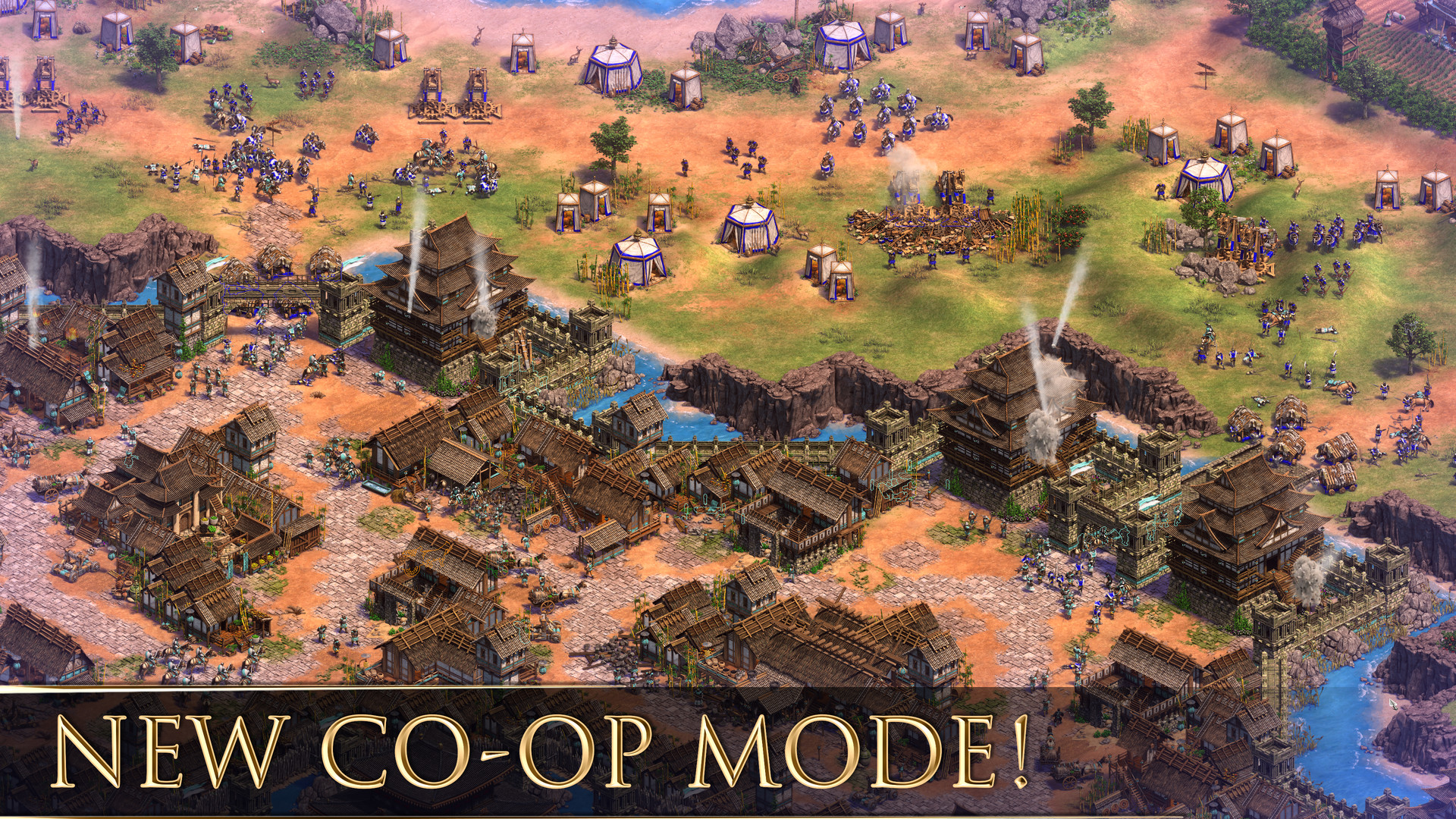
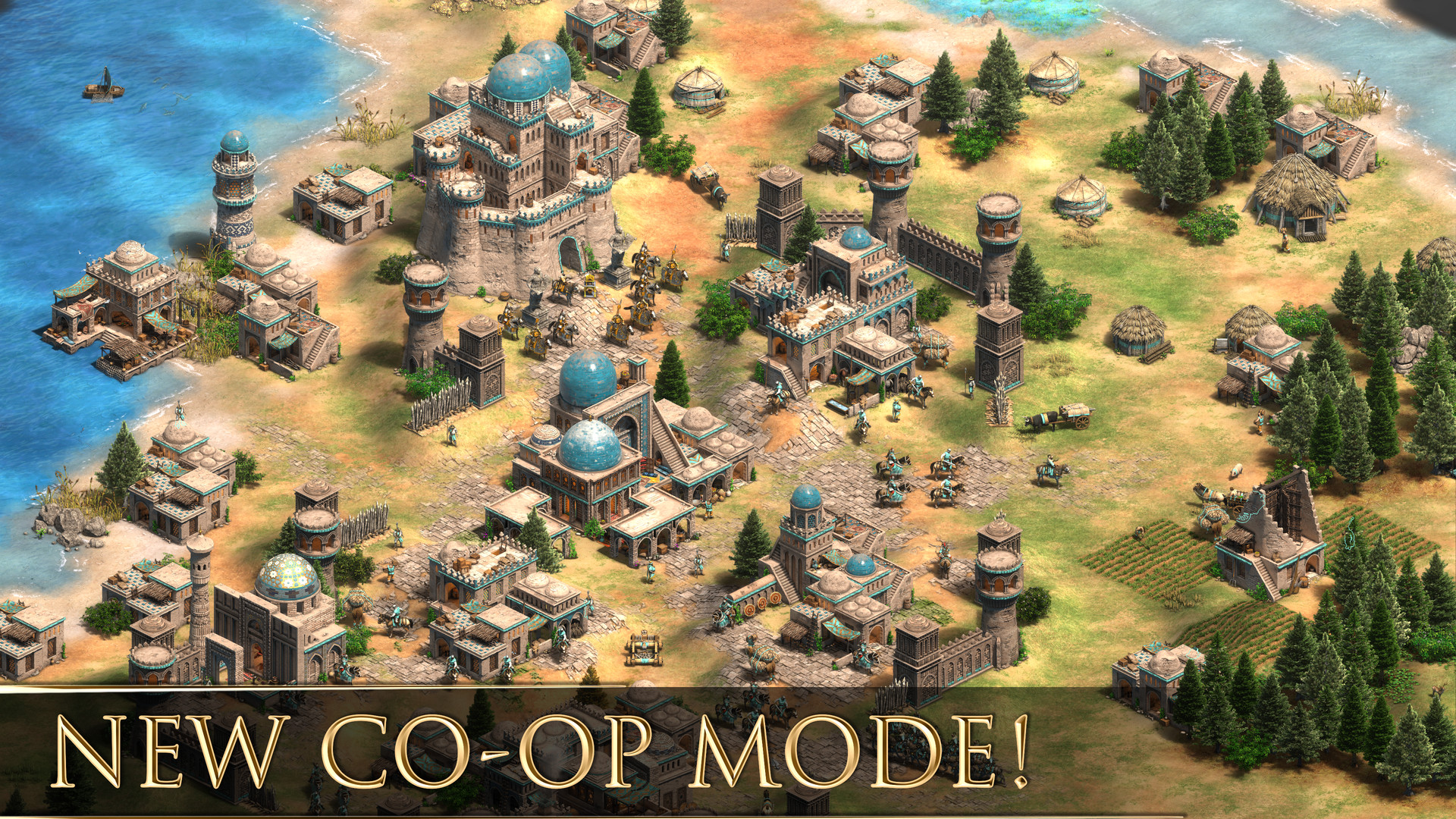
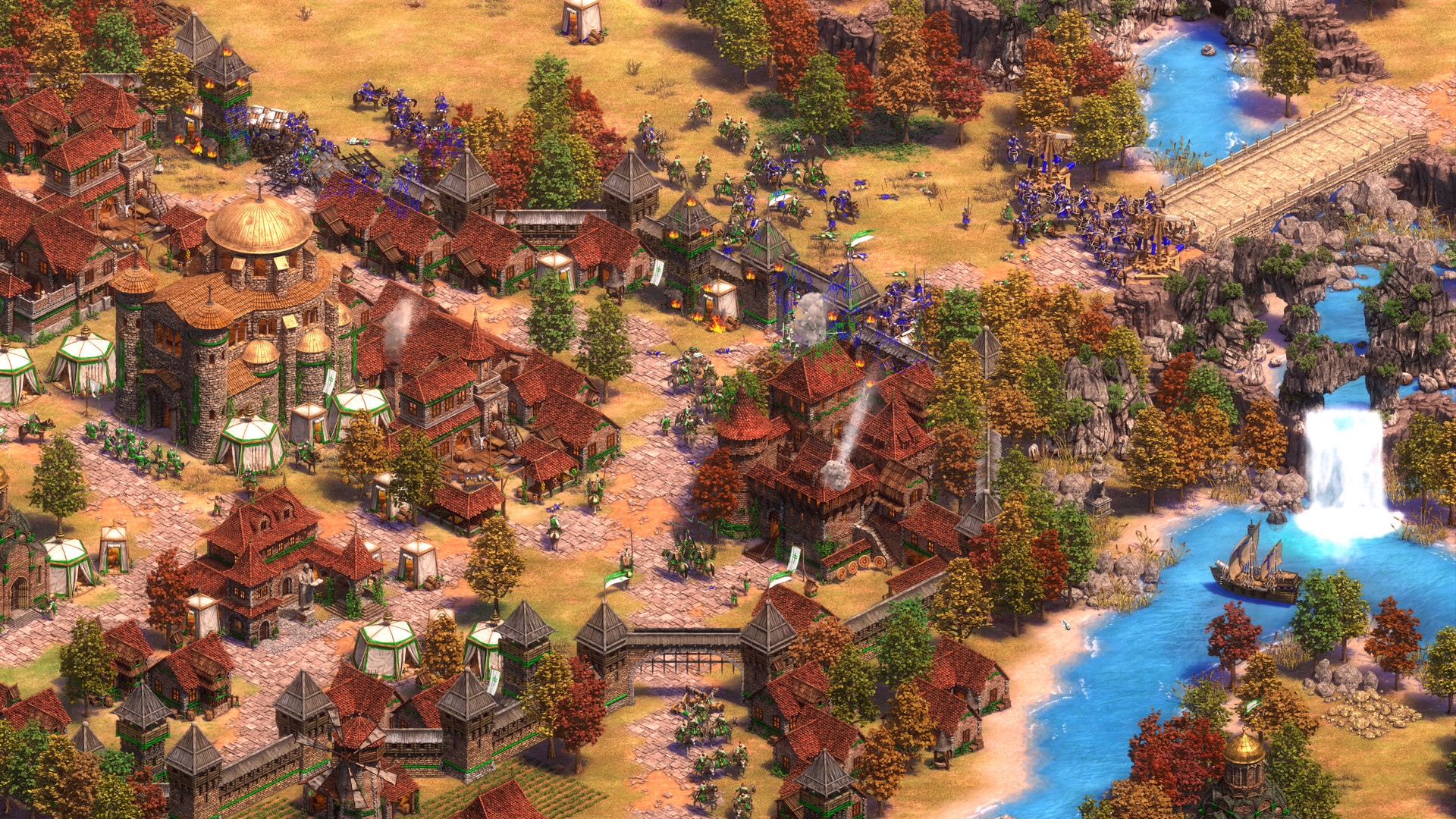
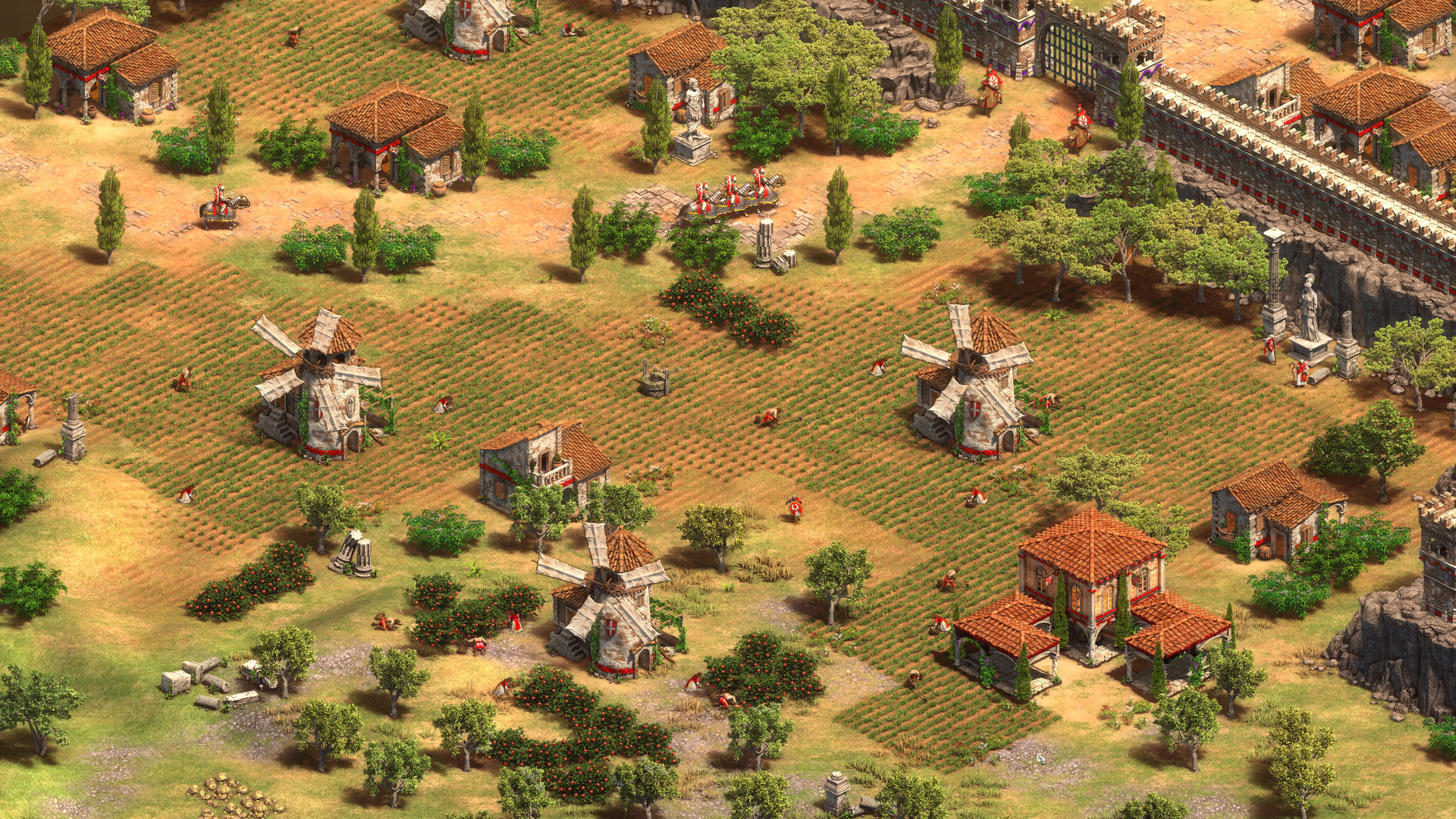
The most celebrated real-time strategy game returns with a definitive edition. Lead civilization across centuries, build your empire, and conquer your enemies in the ultimate strategy experience.
System Requirements
Minimum
- OS:
- Windows 10 64-bit
- Processor:
- Intel Core 2 Duo E4400 or AMD Athlon 64 X2
- RAM:
- 4 GB
- Graphics:
- NVIDIA GeForce GT 430 or AMD Radeon HD 5570
- Storage:
- 15 GB
- DirectX:
- Version 11
- Sound Card:
- DirectX compatible
Recommended
- OS:
- Windows 10 64-bit
- Processor:
- Intel Core i5-2400 or AMD FX-8300
- RAM:
- 8 GB
- Graphics:
- NVIDIA GeForce GTX 650 or AMD Radeon HD 5850
- Storage:
- 15 GB
- DirectX:
- Version 11
- Sound Card:
- DirectX compatible
Installation Guide
Step-by-step setup process for Pre-installed (Portable)
-
No installation is needed — relax, the hard part is already done for you. This release is fully pre-installed and ready to play out of the box, so you can skip setup wizards and long updates entirely.
-
Extract the archive (RAR/ZIP) to a folder of your choice, for example
C:\Games\GameName. Use WinRAR or 7-Zip, keep the path short and Latin-only — and never launch the game from inside the archive: that is the number one cause of games that will not start. -
Install the included redistributables from the
_CommonRedistorRedistfolder (Visual C++, DirectX, .NET). One minute here prevents most missing-DLL errors later — do not skip this if you want a trouble-free launch. -
Launch the game by double-clicking Run Me!.bat (or the main
.exefile) inside the game folder. If nothing happens, right-click the file and choose Run as administrator — this fixes the majority of first-launch problems.
Game Info
- Developer
- Forgotten Empires
- Publisher
- Xbox Game Studios
- Platform
- PC (Windows)
- Release Date
- File Size
- 6.6 GB
- Status
- Pre-installed (Portable)
Download Game
Reviews


Similar Games
 V 17.3
0.6 GB
PC (Windows)
V 17.3
0.6 GB
PC (Windows)
Among Us
A game of teamwork and betrayal. Work together with your crewmates to prepare your spaceship for departure, but beware — there are Impostors among the crew who will do anything to stop you.
 V 0.107.1
1.5 GB
PC (Windows)
V 0.107.1
1.5 GB
PC (Windows)
Slay the Spire 2
The ultimate roguelike deckbuilder returns! For 1,000 years, the Spire lay dormant. Now, it has reopened, hungrier and more dangerous than ever. New perils demand sharper strategies.
 V 1.0.51.15364
20.4 GB
PC (Windows)
V 1.0.51.15364
20.4 GB
PC (Windows)
Need for Speed Payback
Set in the underworld of Fortune Valley, you and your crew were divided by betrayal and reunited by revenge to take down The House, a nefarious cartel that rules the city’s casinos, criminals and cops. In this corrupt gambler’s paradise, the stakes are high and The House always wins.
 V 1.37.18
0.37 GB
PC (Windows)
V 1.37.18
0.37 GB
PC (Windows)
911 Operator
Game about the difficult work of people that manage emergency lines and services. Answer incoming calls and react properly - give first aid instructions, advise, dispatch correct number of firemen / police / ambulances, or sometimes - just ignore the call. Play on ANY CITY in the world!